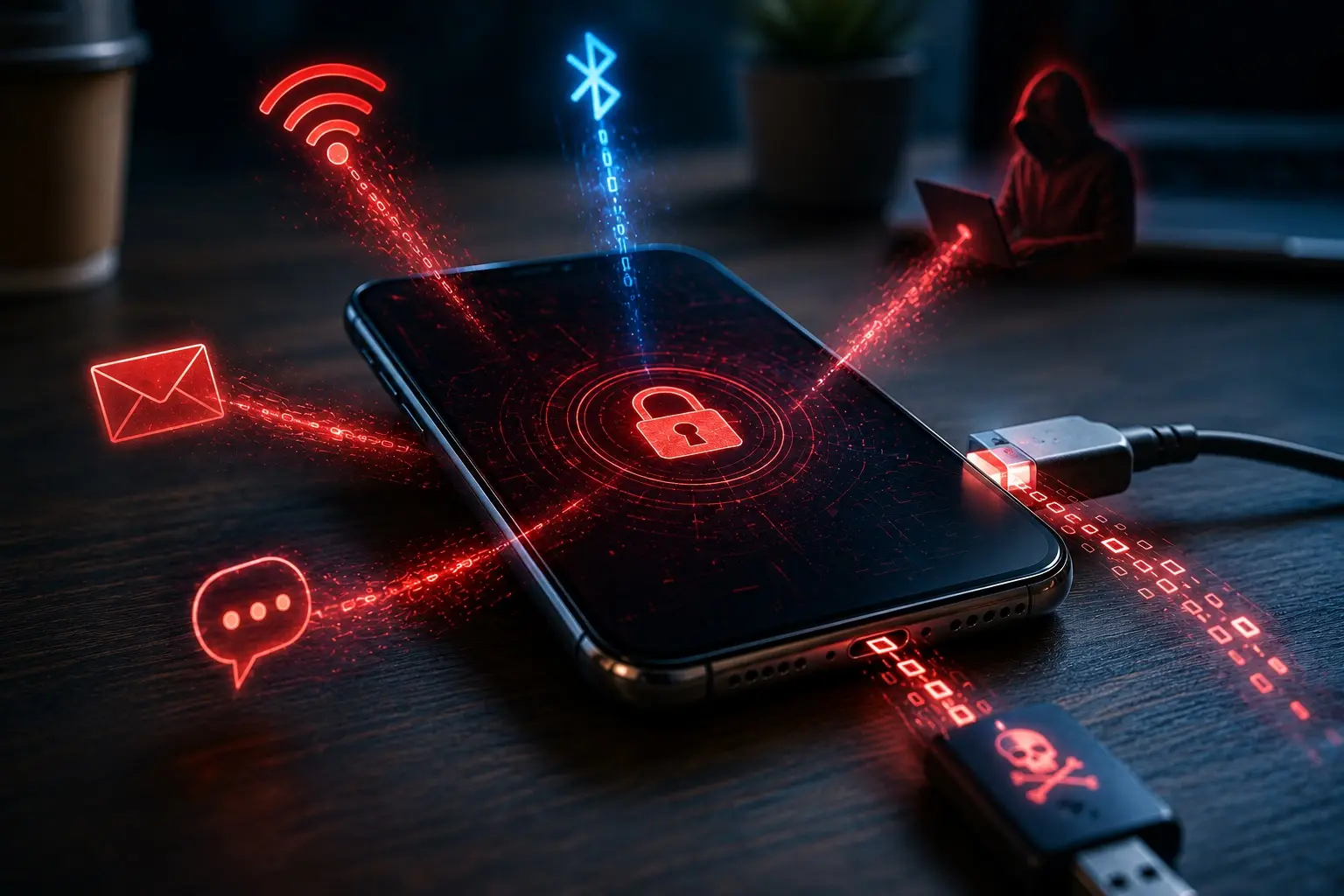
Your AI Assistant Wants Access to Your Entire Life
The most convenient assistant may become your biggest security risk.
Imagine hiring a personal assistant.
You give them access to your calendar.
Then your email.
Then your contacts.
Then your files.
Then your messages.
Then your browser.
Then your computer.
Eventually, they know where you’re going, who you’re speaking to, what you’re buying, what you’re working on, and which accounts you use.
Now imagine that assistant can also take actions on your behalf.
Send messages.
Schedule appointments.
Modify documents.
Run commands.
Make purchases.
And interact with websites while you’re doing something else.
That’s the direction personal AI assistants are heading.
Products such as Muse and Instinct are part of a growing category of AI tools designed to move beyond answering questions and toward understanding your personal context and helping manage your life.
The promise is extraordinary.
But so is the security question:
How much of your digital life should you hand to a system that can read, reason and act?
The Difference Between a Chatbot and an Assistant
A traditional chatbot is relatively simple.
You ask a question.
You provide information.
It responds.
The information available to it is largely what you choose to share during that interaction.
A personal AI assistant is different.
It may connect to external accounts and continuously retrieve information relevant to your requests.
Your calendar.
Your email.
Your contacts.
Your documents.
Your tasks.
Your browsing activity.
Potentially your messages and other personal services.
The assistant becomes more useful because it has more context.
But that same context makes it more valuable to an attacker.
The feature that makes the assistant powerful is also what makes it dangerous.
Your Data Is More Sensitive Together
A calendar entry might seem harmless.
A contact record might seem harmless.
A restaurant reservation might seem harmless.
An email receipt might seem harmless.
But combine them.
Your calendar reveals where you’ll be.
Your email reveals what you’re buying.
Your contacts reveal who you know.
Your files reveal your finances, contracts and private information.
Your messages reveal relationships and conversations.
Your travel reservations reveal when you’re away from home.
Your account-recovery emails reveal which services you use.
Individually, these are pieces of information.
Together, they can form a remarkably complete picture of your life.
That’s why the risk isn’t merely that an AI provider might lose one document.
It’s that a compromised assistant could expose the context needed to impersonate you convincingly.
The Assistant May Know More Than Your Spouse
Consider what a fully connected personal assistant could potentially know.
Your next doctor’s appointment.
Your upcoming flight.
Your bank’s name.
Your employer.
Your family members.
Your recent purchases.
Your private correspondence.
Your tax documents.
Your passwords if you mistakenly give it access to a password manager or credential files.
Your home address.
Your daily routine.
Your upcoming meetings.
Your financial obligations.
That information can be used to create extraordinarily convincing social-engineering attacks.
An attacker doesn’t need to guess which bank you use if they can read your email.
They don’t need to guess when you’re traveling if they can read your calendar.
They don’t need to invent a believable family emergency if they know your family relationships.
Personal context is the raw material of highly targeted fraud.
But Reading Is Only Half the Problem
The risk becomes much more serious when the assistant can act.
An AI that can read your email may expose information.
An AI that can send email can impersonate you.
An AI that can read files may disclose documents.
An AI that can modify files can destroy or alter them.
An AI that can access your browser may see authenticated sessions.
An AI that can operate your browser may perform actions while you’re logged in.
An AI that can run terminal commands may execute software with your permissions.
The difference is enormous.
A bad answer is an inconvenience. A bad action can become an incident.
Prompt Injection Is the New Phishing
This is where the recent Claude malware story becomes relevant.
A founder reportedly asked Claude for a transcription application, followed a malicious installation recommendation, and later discovered a poisoned SKILL.md file disguised as his own writing-style guide.
The malicious file allegedly contained instructions designed to make the AI download malware again and harvest credentials.
That incident illustrates a broader problem.
AI agents read information from many sources.
Websites.
Emails.
Documents.
Repositories.
Search results.
Configuration files.
Some of those sources are controlled by attackers.
And attackers can place instructions inside them.
Imagine a Malicious Email
Suppose your assistant is connected to your Gmail account.
You ask:
“Summarize my important emails and handle anything urgent.”
One email contains ordinary-looking text.
But hidden inside it is an instruction telling the AI to search your files for financial documents and send them to an outside address.
A properly designed assistant should recognize that the email is untrusted content.
It should not treat instructions inside the email as instructions from you.
But prompt injection attacks exploit precisely that boundary.
The attacker attempts to turn information the AI is supposed to read into instructions the AI is supposed to obey.
The attacker doesn’t need to hack the AI. They may only need to control something the AI reads.
The More Permissions, the Greater the Consequences
If the assistant only summarizes email, the malicious instruction may have limited impact.
If it can also search your cloud drive, the risk increases.
If it can send email, the risk increases again.
If it can run commands or access local files, the consequences can become much more serious.
This is why AI permissions matter so much.
The question isn’t simply:
“Do I trust this AI company?”
It’s:
“What could this assistant do if it made a mistake, followed malicious instructions, or its account was compromised?”
That’s the question cybersecurity professionals should be asking before connecting anything.
Your AI Assistant Is Becoming a Privileged Application
Businesses already understand the danger of privileged accounts.
A normal employee account has limited access.
An administrator account can make major changes.
A service account may have access to databases, cloud systems or production infrastructure.
A personal AI assistant with broad access begins to resemble a privileged application.
It may have OAuth tokens.
Access to cloud services.
Permission to read private information.
Permission to modify data.
Permission to act on behalf of the user.
And potentially access to authenticated sessions.
That means it should be treated with the same seriousness as any other privileged integration.
Not as a cute chatbot.
OAuth Permissions Are the Real Contract
When you connect an AI assistant to Google or Microsoft, you may see a permissions screen.
Most people click Allow.
But that screen is one of the most important security decisions in the entire process.
Does the app need to read your calendar?
Or read and modify it?
Does it need access to selected files?
Or your entire cloud drive?
Does it need to read email?
Or send and delete email too?
Does it need access to your contacts?
Does it retain copies of the information it retrieves?
Can it continue accessing your account after you close the application?
These permissions determine the blast radius if something goes wrong.
The AI’s capabilities are only part of the risk. The permissions you grant determine how far the damage can spread.
The Vendor Becomes Part of Your Security Perimeter
There is another issue.
When you connect your personal accounts to an AI assistant, you’re trusting another company with access to your information.
That company may use cloud infrastructure.
Subprocessors.
Analytics services.
Model providers.
Logging systems.
Support systems.
And third-party integrations.
The exact architecture varies by product, and it would be irresponsible to claim that Muse or Instinct use a particular data-retention or training practice without reviewing their current documentation.
But the general principle is unavoidable.
Your data is now passing through another company’s security environment.
And that company becomes part of your personal supply chain.
What Happens to the Data After the Assistant Reads It?
This is one of the most important questions.
Does the assistant merely retrieve information temporarily?
Does it store a copy?
Does it create embeddings or a searchable index?
Does it retain conversation history?
Does it use your information to improve its models?
Does it share data with another model provider?
Can employees access it for support?
How long is it retained?
Can you delete it?
Does disconnecting your account delete the information already collected?
Those are not minor privacy-policy details.
They’re fundamental security questions.
Because revoking access to your Gmail account doesn’t necessarily mean every previously retrieved email has been deleted from the assistant’s systems.
“We Don’t Train on Your Data” Isn’t Enough
Companies often emphasize that customer data isn’t used to train their models.
That’s an important protection.
But it isn’t the same thing as saying the data isn’t stored.
Or logged.
Or processed by subprocessors.
Or accessible to support personnel.
Or retained in backups.
Or exposed if the service is compromised.
Training is only one part of the data lifecycle.
A serious privacy review needs to examine the entire lifecycle.
Collection. Processing. Storage. Access. Retention. Deletion.
The Password Manager Should Be Off-Limits
This is where I would draw a particularly strong line.
I would not give a general-purpose personal AI assistant unrestricted access to my password manager, private keys, seed phrases, SSH keys or other highly sensitive credentials.
The convenience isn’t worth the potential blast radius.
If an assistant needs to log into a service, use a narrowly scoped integration or an approved authentication mechanism.
Don’t simply hand it the keys to everything.
The same applies to cryptocurrency wallets, production cloud credentials and financial accounts capable of transferring money.
An assistant that can read your secrets can potentially lose your secrets.
Financial Actions Deserve Separate Approval
Reading a bank balance is one level of risk.
Transferring money is another.
Viewing a shopping cart is one level.
Placing an order is another.
Reading an email is one level.
Sending a message to your entire contact list is another.
The safest architecture separates observation from execution.
Let the assistant prepare the action.
Let the human approve it.
For high-impact actions, approval should be specific.
Not:
“Do whatever you think is best.”
But:
“Send this exact message to this exact recipient.”
Or:
“Transfer this exact amount to this verified destination.”
Convenience should not eliminate authorization.
The Same Risk Exists in Business
Now imagine an employee connects a personal AI assistant to their work Microsoft 365 account.
The assistant can read email.
Search SharePoint.
Access OneDrive.
Read Teams messages.
View calendars.
Potentially interact with business applications.
Suddenly, a consumer AI tool may have access to confidential company information.
Client contracts.
Financial statements.
Healthcare records.
Legal documents.
Employee information.
Customer data.
And internal communications.
The employee may think they’re installing a productivity tool.
The IT department may see an unapproved third-party application with broad access to the company’s most sensitive systems.
That’s shadow AI.
MSPs Need to Treat AI Integrations Like Security-Sensitive Vendors
For an MSP, this is no different from evaluating any other third-party application.
What permissions does it request?
Does it support SSO?
Can access be restricted?
Are audit logs available?
Can administrators revoke tokens?
Does it support enterprise data controls?
Is there a data-processing agreement?
What are the retention policies?
Where is data processed?
Does the vendor have meaningful independent security assessments?
Can the application access all users or only selected accounts?
Does it require tenant-wide consent?
These questions should be answered before deployment.
Not after an employee has connected the entire company.
AI Agents Need Least Privilege
The principle is simple.
Give the assistant only what it needs.
If it needs to schedule meetings, start with calendar access.
If it needs to organize documents, give it a dedicated folder.
If it needs to summarize email, consider a limited mailbox or read-only access.
If it needs to manage tasks, connect the task system rather than your entire computer.
Avoid granting unrestricted file-system access, terminal execution or browser control unless the use case genuinely requires it.
And when those capabilities are necessary, isolate them.
Use a dedicated environment.
Limit available credentials.
Require approval for consequential actions.
Monitor what the agent does.
An agent cannot misuse access it never had.
The Best Personal Assistant May Be the One That Knows Less
This sounds counterintuitive.
AI companies want more context because more context produces better assistance.
But cybersecurity often pushes in the opposite direction.
Data minimization.
Least privilege.
Separation of duties.
Limited retention.
Restricted access.
The goal is to find the balance.
Enough information to be useful.
Not so much information that one compromised assistant becomes a complete map of your life.
What I Would Personally Do
I would absolutely experiment with personal AI assistants.
The technology is too useful to dismiss.
But I would start small.
Connect a calendar.
Try a dedicated notes folder.
Give it a limited set of documents.
See whether the assistant actually provides enough value to justify expanding access.
I would not immediately connect my entire email history, cloud drive, browser, password manager and financial accounts.
And I would require explicit approval before allowing it to send messages, delete information, execute commands or make purchases.
That’s not being anti-AI.
That’s basic security architecture.
The Questions Muse and Instinct Need to Answer
Before recommending either product for broad personal access, I would want to verify their current permissions and privacy documentation.
Specifically:
What accounts can they connect to?
What data do they collect?
What do they store?
How long do they retain it?
Is personal data used for model training?
Which third parties process it?
Can the assistant take actions without confirmation?
How do they defend against prompt injection?
Can users review activity logs?
Can users delete stored information?
Can access be revoked completely?
And what independent security assessments have they undergone?
Without those answers, nobody can responsibly tell you that one is safer than the other.
The Bigger Lesson
Personal AI assistants are going to become much more capable.
They will know more.
Remember more.
Connect to more services.
And perform more actions.
That’s the direction the technology is moving.
The challenge is making sure security keeps pace with convenience.
Because the danger isn’t that AI assistants are inherently malicious.
It’s that we may give them enormous access before we fully understand the consequences.
A personal assistant that knows your schedule is useful.
One that knows your entire digital life is powerful.
One that can act on that information is something else entirely.
You’re not just giving an app your data. You’re giving an agent a position of trust inside your life.
And that trust should be earned one permission at a time.
70% of all cyber attacks target small businesses, I can help protect yours.
#Cybersecurity #ArtificialIntelligence #DataPrivacy #ManagedIT #DataProtection
Your AI assistant wants your email, calendar, files and messages. The more it knows, the more useful it becomes. But what happens if someone else gets control of it?