
By
Gigabit Systems
April 22, 2026
•
20 min read
Your Email Is the Skeleton Key to Your Entire Life
Why You Need to Secure Your Email Today
Most people think their bank account is the most important account they own.
It is not.
It is their email.
If an attacker gets into your email, they do not just read messages. They gain the reset button for almost everything tied to you. That includes banking, brokerage accounts, cell service, car loans, tax portals, shopping accounts, cloud storage, and identity records. The FTC specifically warns that a hacked email account can be used to break into other accounts and should be treated as an urgent recovery event.
Your personal email is a weak point right now in more households and businesses than people realize.
How Hackers Get In So Easily
The attack usually starts somewhere else.
A shopping site gets breached.
A forum gets breached.
A travel site gets breached.
A social app gets breached.
Your email and password combination gets stolen there, then bundled into giant credential lists and sold or shared in criminal circles. Verizon says compromised credentials were an initial access vector in 22% of breaches reviewed in the 2025 DBIR, and its research also found that in the median case only 49% of a user’s passwords across services were distinct. CISA says MFA is the greatest defense against password-based attacks such as credential stuffing and password theft.
That is the opening.
If you reused that same password for your email, attackers do not need to “hack” your inbox in the movie sense. They simply try the stolen password against your email account. That is credential stuffing. It works because people reuse passwords and because stolen passwords stay useful for years.
If you do not use MFA, one exposed password can be enough.
Why Email Access Is So Dangerous
Once attackers control your email, they often control your recovery path.
They can request password resets for:
Banking
Credit cards
Cell carriers
Car finance portals
IRS-linked services and tax accounts
Shopping accounts
Cloud storage
Social media
Business tools
From there, the damage spreads fast.
Attackers can change recovery addresses, intercept verification emails, approve device logins, and start rebuilding your digital identity around themselves. The FTC advises changing the email password immediately, signing out of other sessions, and then securing other accounts because a hacked email account can be used to access services connected to it.
This is how identity theft snowballs.
Once they can impersonate you consistently, they can open accounts, attempt loans, apply for credit, redirect statements, and keep extending the fraud into new areas. The FTC’s identity theft guidance specifically recommends credit freezes and fraud alerts to help stop continued misuse of stolen identity data.
It is endless because email is the hub.
If You Still Use Yahoo or AOL, Move
Here is the blunt version.
If your primary personal email is still on Yahoo or AOL, move it.
Yahoo disclosed one of the largest account compromises ever, ultimately affecting all Yahoo accounts in its 2013 incident, and it separately disclosed another major security issue in 2016. Verizon’s 2017 annual report also stated that the Yahoo data breach previously disclosed affected all of its accounts.
AOL still supports 2-step verification and even security keys, so this is not about saying AOL cannot be secured at all. It is about recommending a stronger modern baseline for most users. Gmail has a more current consumer security ecosystem built around Security Checkup, stronger 2-Step Verification options, passkeys, device/session visibility, recent security activity review, and Google’s move away from “less secure apps.”
If you are starting fresh today, Gmail is the better default choice for most people.
Step-by-Step: How to Secure Gmail Properly
1. Change Your Password First
Start with the password.
Make it unique. Make it long. Make it random. Do not reuse anything from any other site.
Google’s Security Checkup specifically recommends using unique and strong passwords, and the FTC recommends 12 to 15 characters or a passphrase for hacked accounts.
Use a password manager. Do not invent one yourself and hope you remember it.
2. Turn On 2-Step Verification Immediately
Go to your Google Account, open Security & sign-in, and turn on 2-Step Verification. Google says 2-Step Verification helps prevent a hacker from getting into your account even if they steal your password.
Choose the strongest method you can:
Best: security key
Very strong: Google Prompt
Also good: authenticator app
Weakest of the common options: SMS codes
Google’s own guidance says security keys are among the most secure second steps, and Google notes that prompts are more secure than text codes.
If you want the strongest practical setup, use a hardware security key and keep a backup key in a safe place.
3. Add Passkeys
Google supports passkeys for sign-in, which can reduce your reliance on passwords and resist common phishing flows. You can manage them in Google Account > Security & sign-in > Passkeys and security keys.
This is one of the smartest upgrades you can make because it makes stolen-password attacks far less useful.
4. Review Your Recovery Email and Recovery Phone
Go into your Google Account and review your recovery options.
Make sure:
The recovery email is yours
The recovery phone is yours
Nothing old, shared, or forgotten is still there
Google lets you add, change, or delete recovery email options from the Security area, and recovery changes may take time to fully take effect.
This matters because attackers often try to change recovery paths after they get in.
5. Check Every Device Signed Into Your Account
Go to Google Account > Security & sign-in > Your devices > Manage all devices.
Review every session.
If you see something unfamiliar, sign it out and change your password immediately. Google provides a device-management page specifically for this review.
This is one of the fastest ways to catch silent compromise.
6. Review Recent Security Events
In your Google Account, check Recent security events.
Look for:
New device logins
Recovery changes
Suspicious sign-in attempts
App access you do not recognize
Google provides a recent security events panel for exactly this purpose.
7. Remove Old App Access
Look for third-party apps, extensions, or services that still have access to your Google account.
If you do not use them, revoke them.
Google’s Security Checkup recommends removing apps and browser extensions you do not need. Google also says app passwords are not recommended and that “less secure apps” that rely on only username and password access are being phased out.
Old mail clients and forgotten apps are a common blind spot.
8. Check Gmail Last Account Activity
Inside Gmail on desktop, scroll to the bottom right and click Details under Last account activity.
Google says this lets you review sign-in history, including times and IP addresses used to access your Gmail account.
If anything looks wrong, act immediately.
9. Stop Using Email as Your Only Recovery Method Elsewhere
Once Gmail is secured, go secure the accounts connected to it.
Update your major accounts so they use:
App-based MFA or security keys
Strong unique passwords
Clean recovery settings
Your Gmail cannot be your only line of defense if everything else still trusts weak SMS or reused passwords.
10. Do a Full Security Checkup
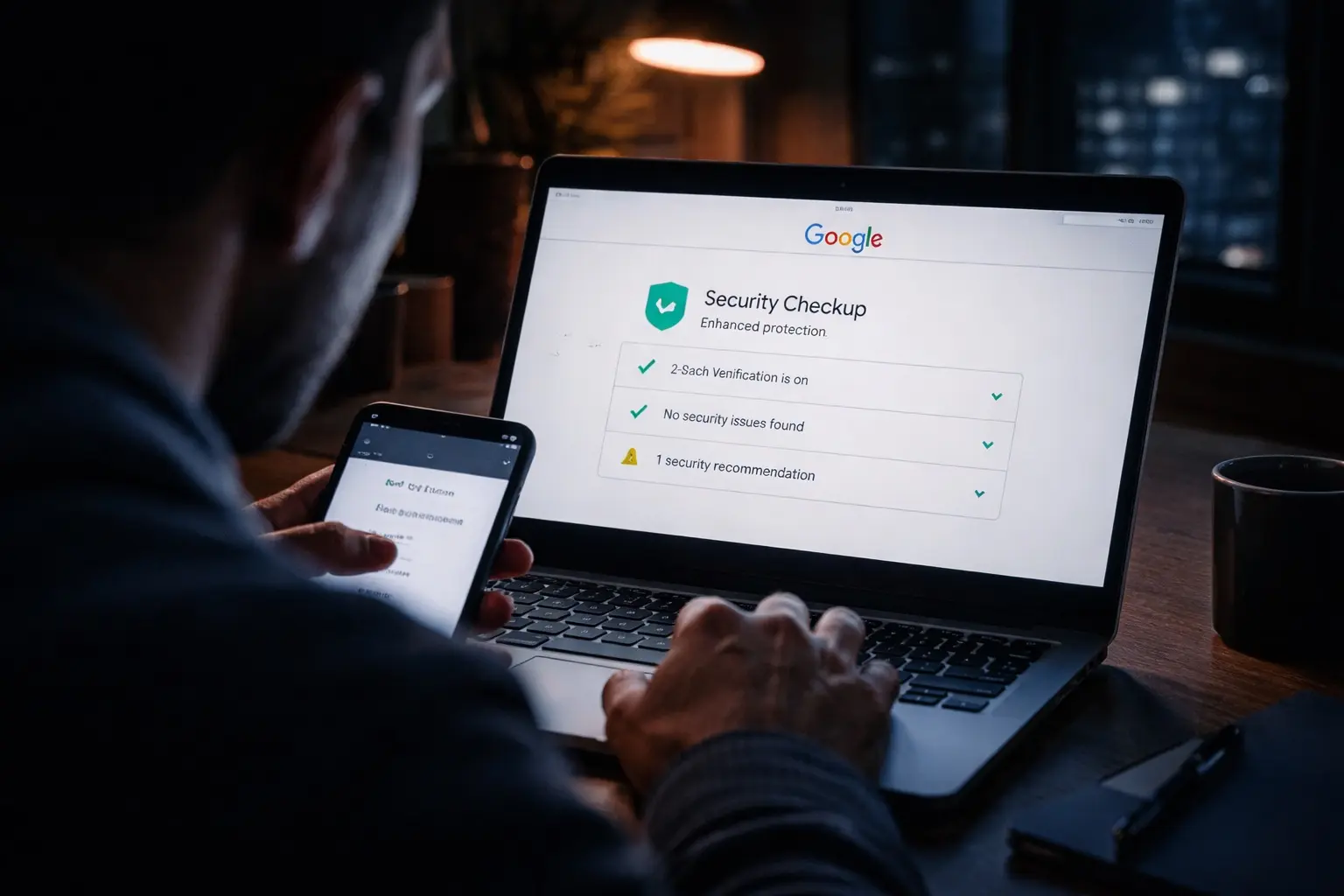
Google has a built-in Security Checkup for your account. Run it and clear every warning. It is one of the simplest high-value steps available.
This should be part of your routine, not a one-time event.
What Businesses Miss
Most people lock down their work laptop better than their personal inbox.
That is backwards.
Your personal email can be the attack path into:
Your payroll
Your mobile carrier
Your bank
Your tax records
Your cloud backups
Your business logins
That is why protecting email is an independent security step. Even if your company has good cybersecurity, your personal inbox can still become the soft underbelly attackers use to get leverage over you.
Stop What You’re Doing and Secure It Now
Do not wait until you get a fraud alert.
Do not wait until your phone stops working because your SIM got swapped.
Do not wait until your bank account, IRS profile, or financing portal starts sending you recovery emails you did not request.
Your email is the master key.
Treat it like one.
70% of all cyber attacks target small businesses, I can help protect yours.
#CyberSecurity #GmailSecurity #IdentityProtection #SMBSecurity #DataProtection