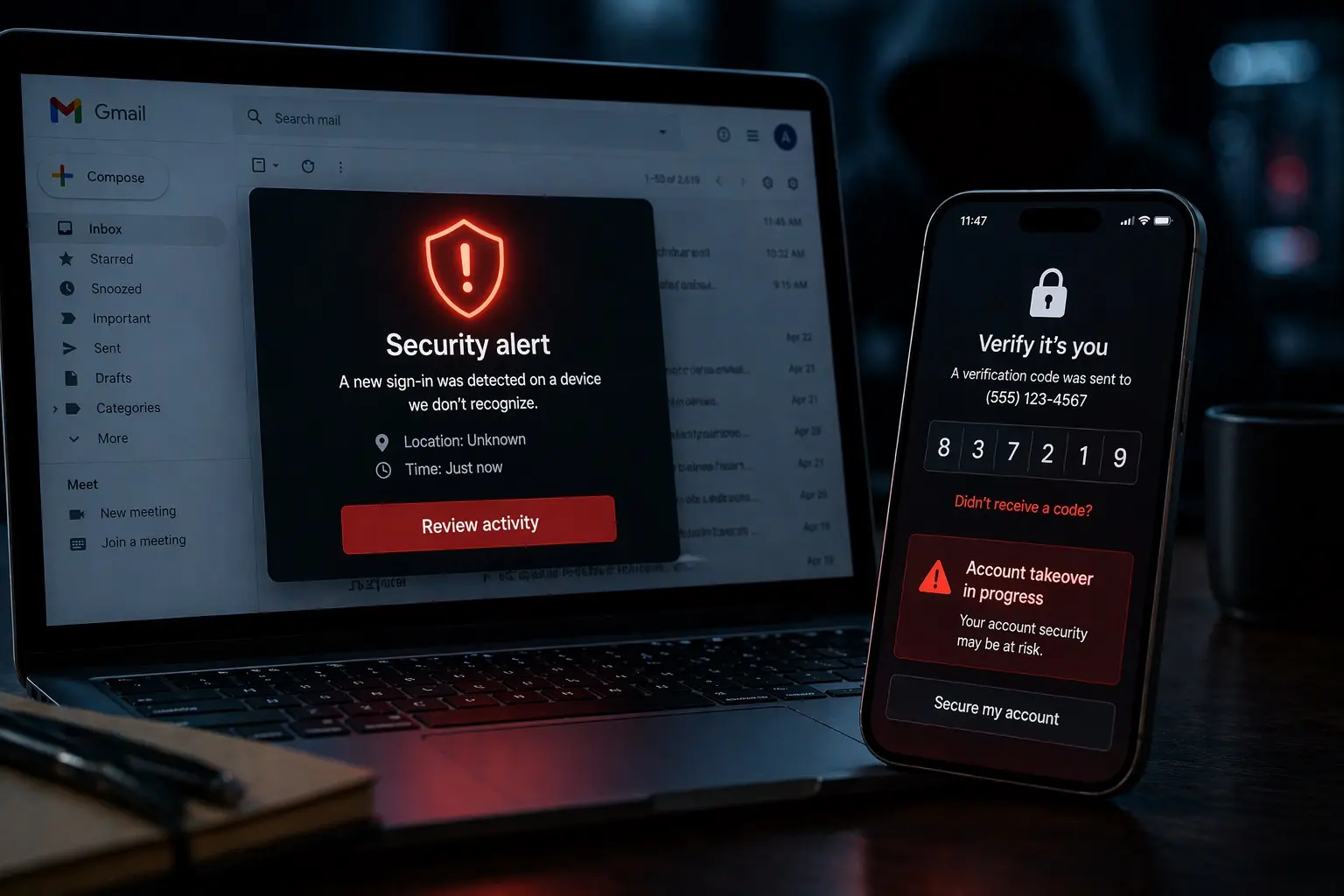
She Used Claude as a Private Diary. Then Anthropic Called the Police.
Your AI conversation may feel private. That doesn’t make it confidential.
A Florida woman reportedly treated Claude like a diary.
Then something she allegedly wrote in that “diary” triggered Anthropic’s safety systems, was escalated to a human reviewer, was reported to law enforcement—and ultimately contributed to her arrest.
According to an arrest report described by local media, 30-year-old Carli Michelle Heller of Bonita Springs allegedly entered a statement into Claude on September 26 threatening to “shoot up” the Lee County Sheriff’s Office. The following day, investigators say another message referred to obtaining a new gun.
Anthropic’s automated safety systems reportedly flagged the content.
Then a human looked at it.
The material was deemed serious enough to send to law enforcement.
Deputies subsequently went to Heller’s home and arrested her without incident. She now faces a charge of making a written threat of violence. The charge remains an allegation; there has been no finding of guilt.
And according to Sheriff Carmine Marceno’s account of what she later told investigators, Heller said she used Claude like a:
“Diary.”
That one word makes this story much bigger than one criminal case.
Claude Didn’t Decide to Call the Police
First, an important distinction.
The viral version of this story can make it sound as though Claude read a message, became alarmed and autonomously contacted the sheriff.
That’s not what the available reporting describes.
According to the arrest report cited by local news, an automated safety system flagged the content.
It was then escalated to a human review team.
That human-review process led to law enforcement being notified.
So this wasn’t:
AI reads threat → AI calls police.
It was closer to:
Automated detection → human review → human escalation → police investigation.
That’s an important difference.
But from a privacy perspective, it leads to an equally important realization:
Someone other than you may be able to read what you tell an AI chatbot.
A Chatbot Is Not a Locked Notebook
This is where people can make a dangerous mental mistake.
Claude feels conversational.
ChatGPT feels conversational.
You type something deeply personal.
The AI responds sympathetically.
There is no other human visibly sitting in the room.
That creates an incredibly powerful illusion:
This is between me and the machine.
But a cloud AI service isn’t a leather notebook sitting in your nightstand.
Your message has to travel somewhere.
It reaches infrastructure operated by a company.
It may be stored.
It may be processed by automated safety systems.
Depending on the service, settings and circumstances, some content can potentially become accessible to authorized personnel.
And under exceptional circumstances, information can potentially be disclosed outside the company.
The interface feels intimate.
The infrastructure isn’t necessarily private in the way your brain interprets intimacy.
Anthropic’s Policies Allow Emergency Disclosure
This wasn’t some secret loophole discovered after the arrest.
Anthropic’s published policies contemplate situations where information may be disclosed to authorities.
Its privacy policy says personal data may be shared with government authorities or law enforcement when Anthropic has a good-faith belief that doing so is reasonably necessary to prevent serious harm, among other circumstances.
Anthropic’s government-request policy similarly describes an emergency exception involving imminent physical harm or death where disclosing information without delay could help prevent the harm.
And reporting on this case notes that Anthropic’s consumer terms reserve rights around reporting user inputs, outputs or actions to law enforcement.
That doesn’t mean Anthropic routinely sends ordinary conversations to police.
It means “private conversation” and “legally privileged confidential communication” are very different concepts.
Your Therapist and Your Chatbot Are Not the Same Thing
This distinction becomes especially important because people increasingly use AI for extremely personal conversations.
Relationships.
Mental health.
Family problems.
Medical concerns.
Sexuality.
Financial problems.
Workplace disputes.
Legal questions.
Confessions.
Anger.
Things they would never type into Google.
A chatbot can feel easier to talk to precisely because it doesn’t appear judgmental.
Florida Gulf Coast University professor Chrissann Ruehle described that dynamic when discussing this case: interacting with a machine can create the feeling that the machine isn’t going to judge you.
Her warning was much simpler:
“AI is not your best friend.”
It’s also not automatically your doctor.
Your lawyer.
Your therapist.
Your priest or clergy member.
Or your diary.
Those relationships can involve particular ethical, professional or legal confidentiality rules.
A consumer AI service operates under its own terms, privacy policy and applicable law.
A sympathetic interface does not create privilege.
The Human Review Is the Part People Will Notice
Most users already understand, at least vaguely, that automated systems inspect content.
Gmail scans messages for spam.
Banks inspect transactions for fraud.
Social networks automatically detect prohibited material.
Cloud services scan for malware.
People have become accustomed to machines looking at machines.
What feels different here is the escalation.
A user allegedly typed something into an AI conversation.
A safety system flagged it.
And then another human could review it.
That’s where the psychological model changes.
People don’t interact with Claude as though they’re publishing a Facebook post.
They interact with it as though they’re sitting alone with Claude.
The chat window reinforces that feeling.
One person.
One AI.
One conversation.
But technically, the conversation exists inside somebody else’s service.
The room feels empty because you can’t see the infrastructure.
This Is Not Unique to Claude
It would be a mistake to turn this into simply:
“Don’t tell Claude anything.”
The broader lesson applies to cloud AI generally.
Different providers have different privacy policies, retention periods, enterprise protections, training policies, safety procedures and human-review practices.
Those differences matter.
But the basic cybersecurity principle is universal:
If information leaves a device you control and enters somebody else’s cloud, you have expanded the trust boundary.
That applies to AI.
Email.
Cloud storage.
Online backups.
Messaging.
CRM systems.
And virtually every SaaS application businesses use.
The extraordinary thing about AI is the kind of information we’re voluntarily feeding into it.
AI May Become the Most Intimate Database Ever Created
Think about what a search engine traditionally receives.
“How do I get divorced?”
An AI conversation might receive:
“My wife and I have been fighting for three years. Here’s exactly what happened last night, here’s our financial situation, here are the messages she sent me, and here’s what I’m thinking about doing next.”
Search queries are fragments.
AI conversations can become narratives.
People explain context because context makes AI better.
They upload documents.
Paste emails.
Describe coworkers.
Discuss customers.
Upload contracts.
Analyze medical results.
Paste source code.
Describe financial situations.
Ask questions about relationships.
The better the context, the better the answer.
And that creates an extraordinary privacy paradox:
AI becomes most useful when you tell it the things you least want exposed.
Businesses Have an Even Bigger Problem
Now move this from someone’s personal diary into an office.
An employee wants help responding to a difficult customer.
So they paste the customer’s email.
Another employee needs help analyzing a contract.
They upload it.
A developer needs debugging assistance.
They paste proprietary source code.
HR wants help drafting a response.
Someone pastes details about an employee dispute.
A technician wants troubleshooting help.
They paste system logs containing usernames, IP addresses and internal infrastructure.
A healthcare employee wants a summary.
Patient information goes into the prompt.
A lawyer wants research assistance.
Client information goes in.
The AI becomes extraordinarily useful precisely because employees can give it context.
But every piece of context potentially becomes part of your organization’s data-governance problem.
“Don’t Train on My Data” Doesn’t Mean “Nobody Can Ever Access My Data”
This is another distinction businesses need to understand.
AI privacy discussions frequently collapse several completely different questions into one:
Is my information used to train the model?
That’s important.
But it isn’t the only question.
Organizations should also understand whether information is retained, how long it is retained, where it is processed, who can access it, whether human review can occur, which subprocessors receive it, what happens under legal process, what happens during a safety investigation, and what happens during a security incident.
A provider saying:
“We don’t train our models on your business data.”
doesn’t automatically answer every one of those questions.
Training is one part of the data lifecycle.
Privacy is the entire lifecycle.
There Is Also a Legitimate Safety Argument
This case presents a genuine tension.
Imagine a platform receives a highly specific statement threatening an imminent mass shooting.
The company believes the threat is credible.
Should employees simply say:
Privacy policy. Nothing we can do.
Many people would find that outcome unacceptable.
Companies operating communications platforms have long had to confront situations involving imminent threats, child exploitation, terrorism, suicide and other serious harms.
AI providers are entering the same territory.
There is no perfectly comfortable answer.
If providers never monitor anything, they may miss credible threats.
If providers monitor too aggressively, users may reasonably worry about private conversations being scrutinized or misunderstood.
And automated systems make mistakes.
Safety requires detection. Privacy requires restraint.
Both matter.
Context Is Where This Gets Difficult
Consider these three statements:
A novelist tells Claude:
“My villain says he’s going to attack the sheriff’s office.”
Someone vents:
“I’m so angry I could kill somebody.”
Someone provides a location, target, weapon and immediate plan.
A computer has to distinguish among them.
That’s much harder than simply searching for violent words.
False negatives matter because a real threat could be missed.
False positives matter because an innocent person’s private conversation could be escalated.
That’s why the reported human-review step is important.
Automation can identify something potentially dangerous.
A person can examine additional context before deciding what happens next.
Even then, human reviewers can make mistakes.
Security systems rarely eliminate judgment.
They usually move where judgment occurs.
The Criminal Case Is Still a Criminal Case
There’s also an important legal distinction.
Heller has been charged, not convicted.
Florida’s written-threat statute covers certain written or electronic records containing threats to kill or harm another person or conduct a mass shooting or act of terrorism. The applicable offense can be a second-degree felony.
Whether the alleged messages legally constitute a prosecutable “true threat,” what context surrounded them and what intent can be established are matters for the legal process.
The existence of words on a server doesn’t automatically settle every legal question.
But digital records can create extremely powerful evidence.
What once might have been an angry thought disappearing inside someone’s head can become:
Timestamped.
Stored.
Associated with an account.
Reviewed.
Preserved.
And potentially introduced into an investigation.
The cloud has a much better memory than you do.
The Cybersecurity Lesson Is Bigger Than Claude
We constantly tell businesses:
Don’t put passwords in Slack.
Don’t email Social Security numbers.
Don’t store sensitive documents somewhere simply because it’s convenient.
Don’t give applications more information than they require.
AI deserves the same discipline.
Before entering sensitive information into an AI system, ask a simple question:
Would I be comfortable putting this information into another company’s database?
Because technically, that’s much closer to what you’re doing than whispering to an invisible friend.
For organizations, that means having actual AI governance.
Approved AI platforms.
Enterprise accounts.
Data classifications.
Rules around customer information.
Rules around healthcare information.
Rules around legal information.
Rules around credentials.
Retention policies.
DLP controls where appropriate.
Employee training.
And clear boundaries around what should never enter a third-party model.
Some Things Should Never Become a Prompt
Your password.
Private encryption keys.
Recovery codes.
Authentication tokens.
Seed phrases.
Highly sensitive customer information without appropriate protections.
Confidential material your organization isn’t authorized to disclose.
Information subject to contractual or regulatory restrictions that your AI environment isn’t approved to process.
The convenience of AI can make copying information into a prompt feel harmless.
It isn’t.
A prompt is data transfer.
Once businesses understand that sentence, AI governance becomes much easier to explain.
The Chat Window Is Changing Human Behavior
This may ultimately be the most important part of the story.
Humans already knew not to publish their diary on the internet.
Then technology created something psychologically different.
A blank box.
A responsive intelligence.
No visible audience.
No judgment.
Instant empathy.
Infinite patience.
It feels private in a way a search engine never did.
That interface may encourage people to disclose more than they would have disclosed anywhere else online.
And companies building these systems need to understand the responsibility that comes with creating that feeling.
Users need to understand something too.
Conversational is not the same thing as confidential.
Heller’s case is unusually dramatic because the alleged messages involved a threat and ultimately police.
But millions of ordinary AI conversations contain information their users would be horrified to see publicly exposed.
You don’t need to be doing anything illegal for that to matter.
Your marriage.
Your finances.
Your medical concerns.
Your company.
Your clients.
Your fears.
Your mistakes.
Your secrets.
Claude can be an extraordinarily useful assistant.
So can ChatGPT.
But neither should automatically be treated like a locked diary under your mattress.
Because the most important person reading your AI conversation may someday be someone you never realized could read it.
70% of all cyber attacks target small businesses, I can help protect yours.
#Cybersecurity #ArtificialIntelligence #Privacy #DataProtection #AISecurity
She thought Claude was her personal DIARY. Then an automated system flagged what she wrote, a HUMAN reportedly read it, Anthropic contacted police—and officers showed up at her house. Whatever you think about the alleged threat, there’s a much bigger privacy lesson here: your AI chat may feel private. That doesn’t mean nobody else can ever read it.